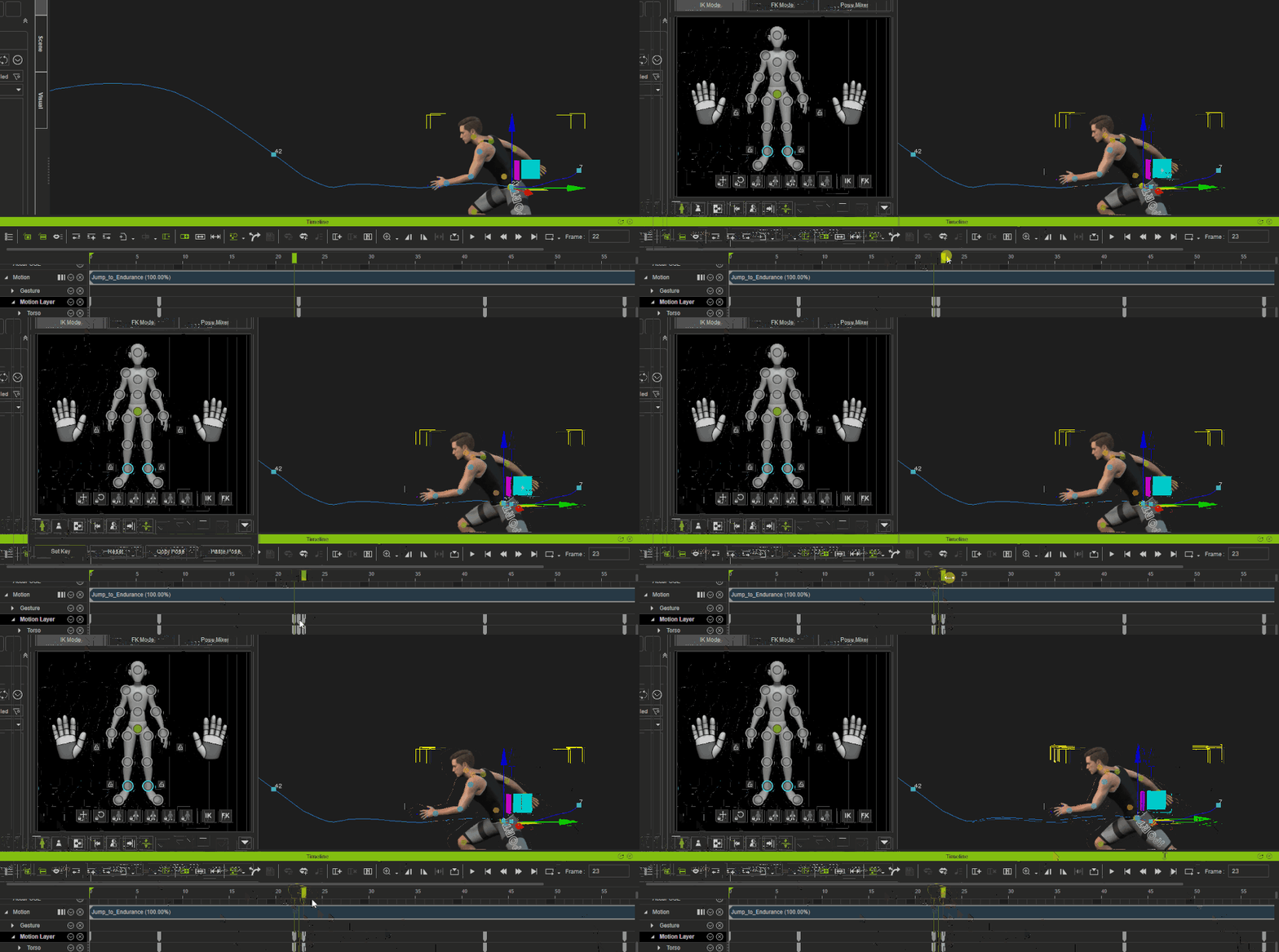
1. How do I install the AccuPOSE INFINITY perpetual license if I was a previous subscriber?
¶ How do I install the AccuPOSE INFINITY perpetual license if I was a previous subscriber?
Follow these steps:
-
Redeem your AccuPOSE INFINITY perpetual license.
Make sure the license has been successfully redeemed before continuing. -
Install the AccuPOSE INFINITY plug-in via Reallusion Hub.
- Open Reallusion Hub on or after January 5.
- Refresh the Products section.
- Under iClone Plug-ins, find AccuPOSE INFINITY Plug-in and click Install.
- iClone will be updated to version 8.65 automatically if required.
- Open AccuPOSE in iClone.
Launch the AccuPOSE panel in iClone. All AccuPOSE INFINITY content will be available for use.
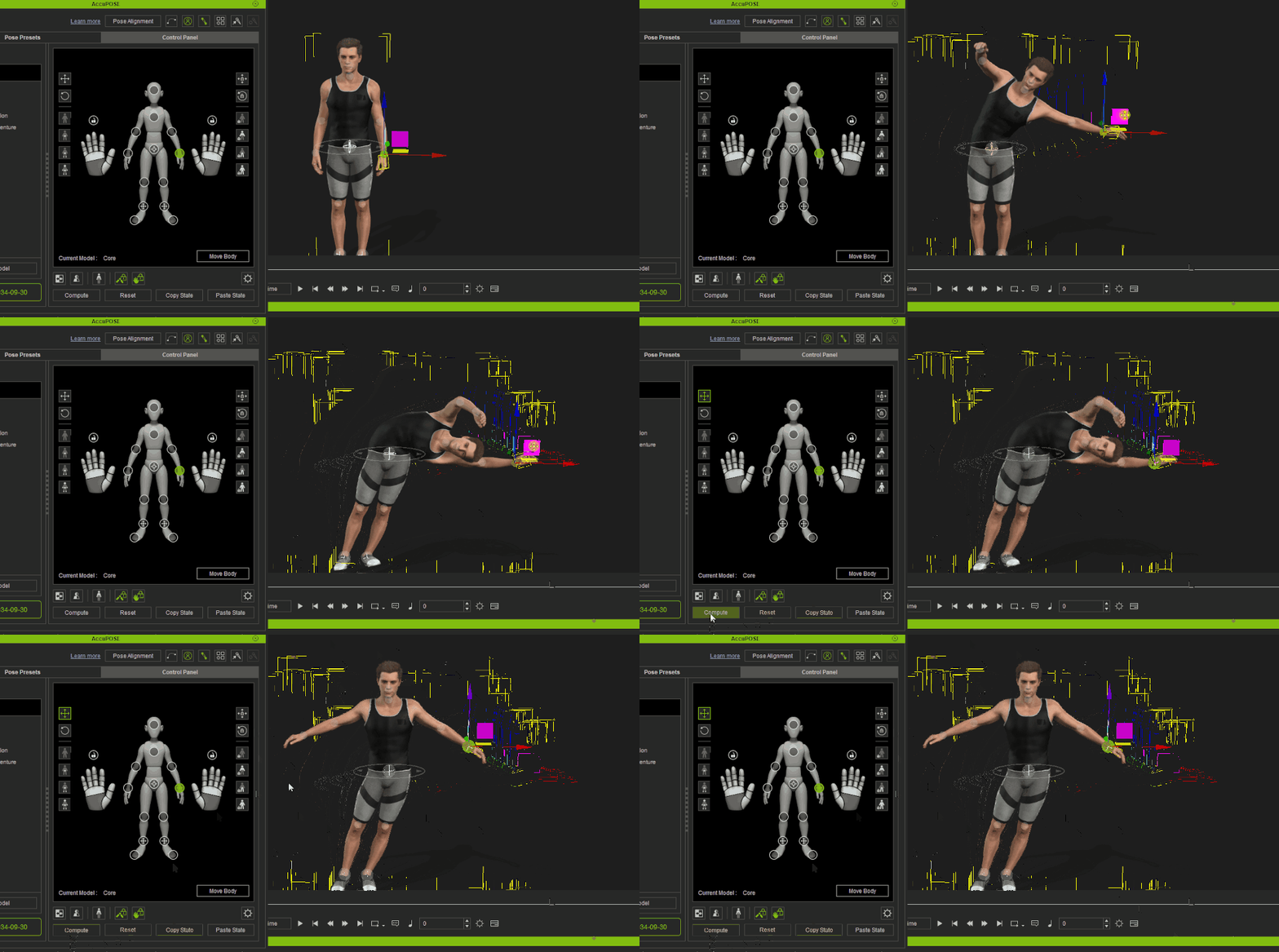
2. The mirrored pose does not entirely match the original pose after executing Pose Mirror in the AccuPOSE panel.
¶ The mirrored pose does not entirely match the original pose after executing Pose Mirror in the AccuPOSE panel.
Since AccuPOSE is AI-based, the mirrored control point positions may yield slight deviations. Using Edit Motion Layer for full-body posing would result in more accurate mirroring.
3. When hip translation control is not activated, the character's hips keeps lowering with consecutive Compute operations.
¶ When hip translation control is not activated, the character's hips keeps lowering with consecutive Compute operations.
Successive Compute operations will accumulate slight offsets in hip when its translation is not constrained. This is the result of slight IK solver deviations, which are unpreventable.
4. Why does the character's pose change so dramatically after activating the control points and applying a different training model?
¶ Why does the character's pose change so dramatically after activating the control points and applying a different training model?
This is usually the result of control points exceeding the original IK limits of the character. When a recomputation is triggered by switching to a different model, the IK solvers will automatically adjust the pose to fall within reasonable ranges for naturalistic articulation.
5. I can't adjust existing keys after I apply Speed Change or Time Warp to the clip, or adjust the project fps.
¶ I can't adjust existing keys after I apply Speed Change or Time Warp to the clip, or adjust the project fps.
Apply filters to the animation clip can cause the keys within to displace toward fractional frames, make it difficult to adjust the keys when the frame selection is restricted to full-frame only. Use either method to below to solve this problem:
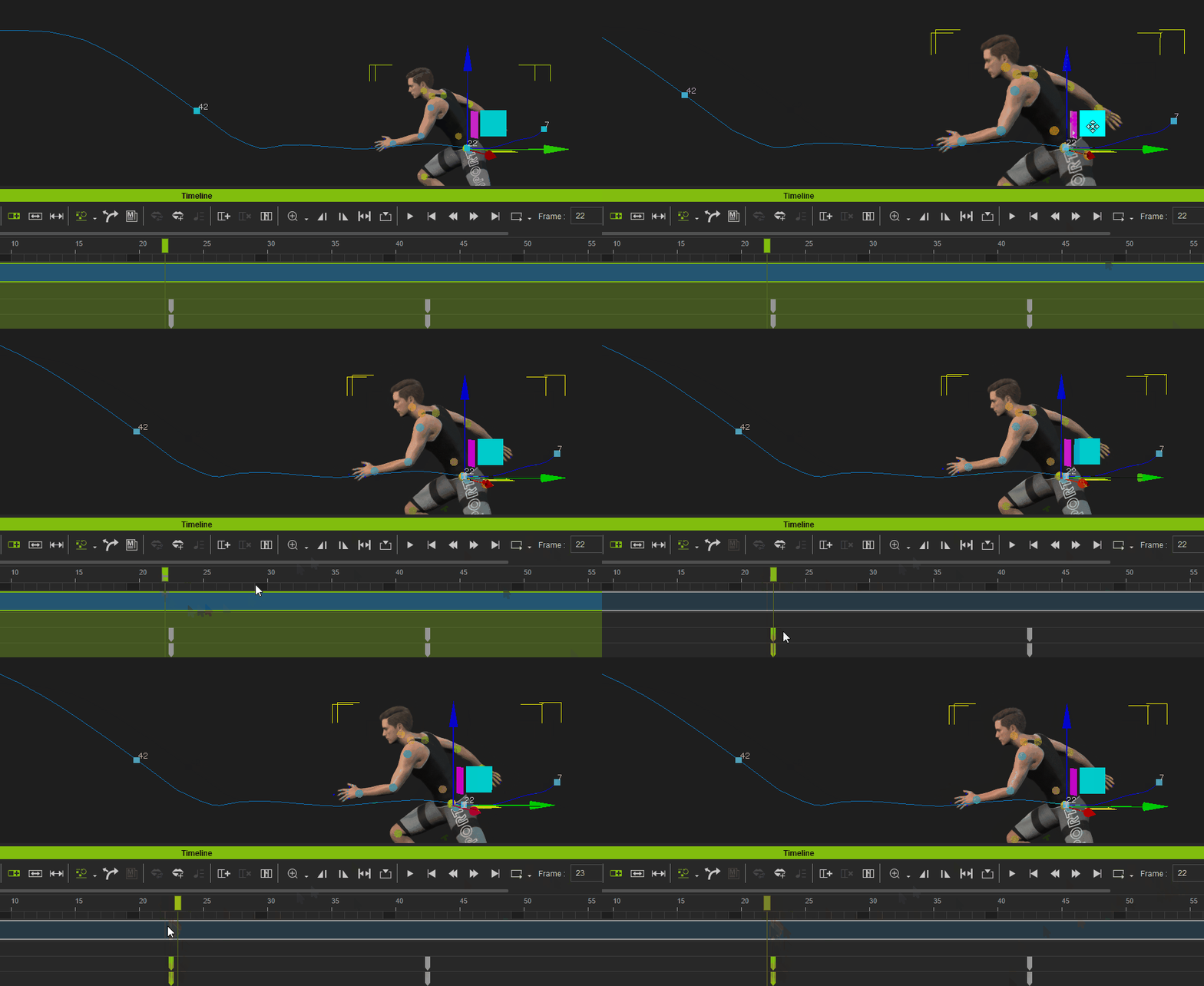
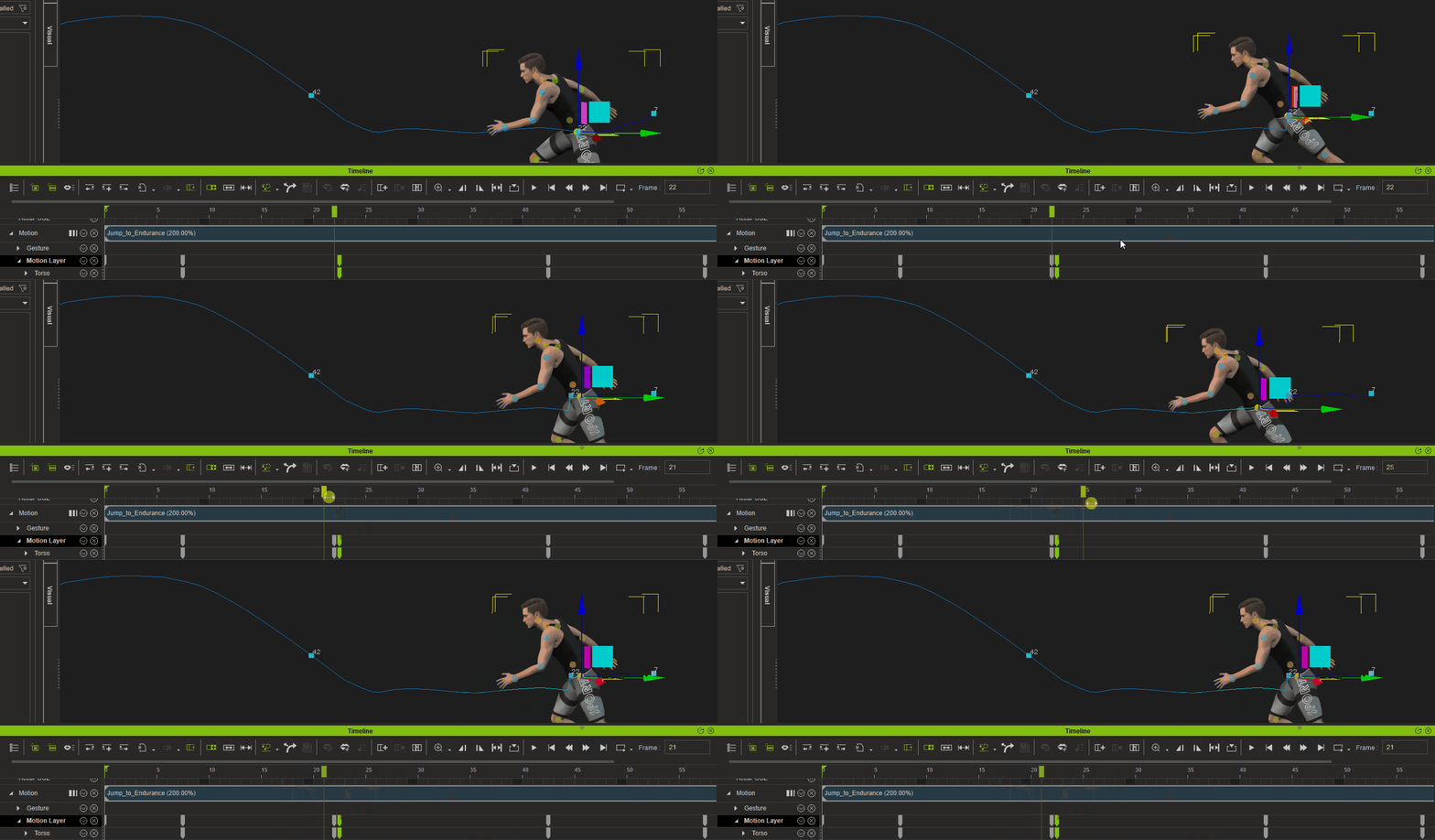
Option 1: After applying filters to the clip or adjusting the project fps, flatten the entire clip and resample the keyframes.
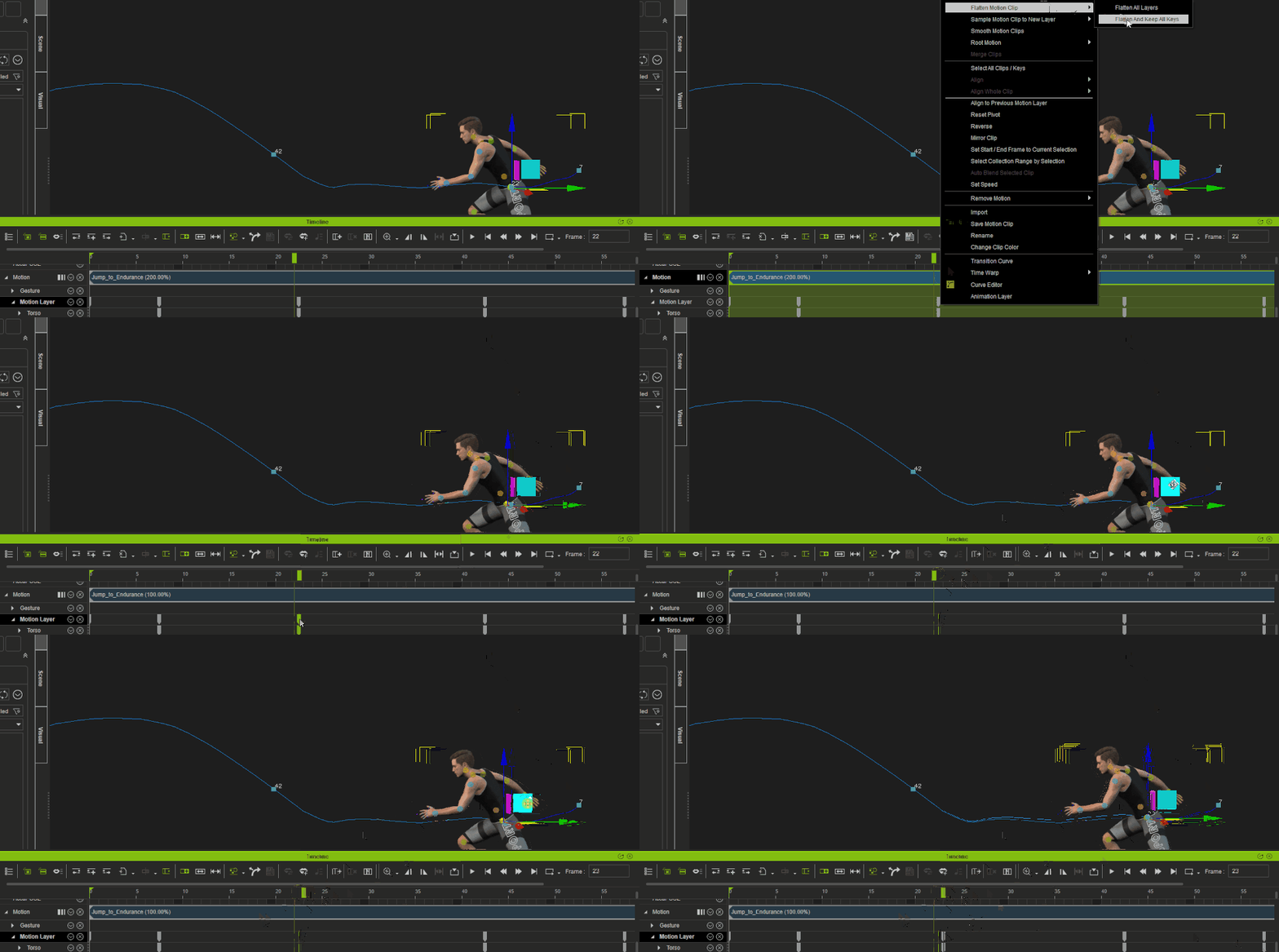
Option 2: Manually delete the unnecessary fractional keys for clip regions you would like to adjust.